Google Sheets Dropdown List From Another Sheet (Step by Step)
Quick answer
Put the allowed items on their own tab (for example Lists, cells A2:A6). Select the cells for the dropdown, choose Insert → Dropdown, pick "Dropdown (from a range)" under Criteria, type Lists!A2:A6 and click Done.
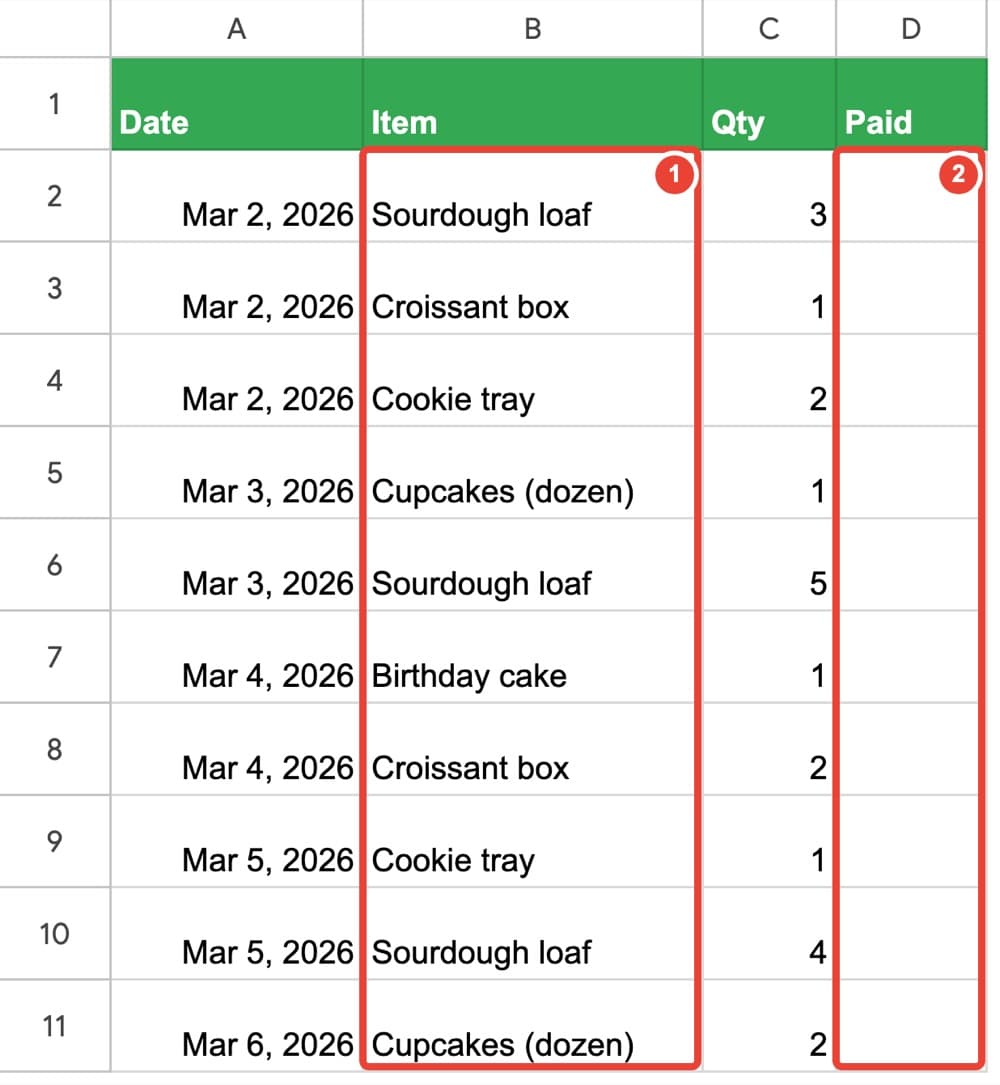
In a hand-typed list, the same thing ends up written three ways: Birthday cake, B-day cake, cake (birthday). To a person that's one item. To Google Sheets, it's three — and every total by item comes out wrong. The fix isn't more care; it's not letting people type it at all. A dropdown lets them pick instead.
Put the items on their own tab
Make a tab called Lists and type the allowed items in column A, one per row, with a header in A1. In our example the five items are in A2:A6.
Free: which spreadsheet problem do you have?
A 6-page PDF: ten everyday Google Sheets problems and the short book that fixes each one.
Get the free overviewAdd the dropdown
- Select the cells that should get the dropdown — in our example B2:B11, the Item column.
- Choose Insert → Dropdown.
- In the panel on the right, under Criteria, choose "Dropdown (from a range)".
- Type the range of your list and click Done:
Lists!A2:A6
Tip: Click a cell in the column: a small arrow appears. Click it and pick an item.
What happens when someone types something else
Try typing B-day cake: Google Sheets refuses it, because it isn't on the list. That comes from Advanced options → If the data is invalid → Reject the input, which a new dropdown uses from the start. Choose Show a warning instead if you'd rather let the value in with a warning mark.
Need a new item? Add it to the Lists tab, below the others, and change the dropdown's range to include it.
The dropdown stops the mess — it doesn't add anything up
Once items are picked instead of typed, every "Birthday cake" really is the same item. That's what makes totals by item possible. But the dropdown itself doesn't total anything, color anything or warn you about anything.
Google Sheets for Absolute Beginners puts the dropdown to work: tick boxes for paid sales, rows that color themselves, totals with SUM, AVERAGE, MIN and MAX, a chart of sales by item, and a summary that fills itself as you type — all built on a small bakery's sales notebook, one short chapter at a time.
Common questions
- Why does Google Sheets refuse what I typed?
- It isn't on the list, or it's spelled differently. Pick it from the arrow instead, or add it to the Lists tab first.