SHEETS MADE SIMPLE · BOOK 0
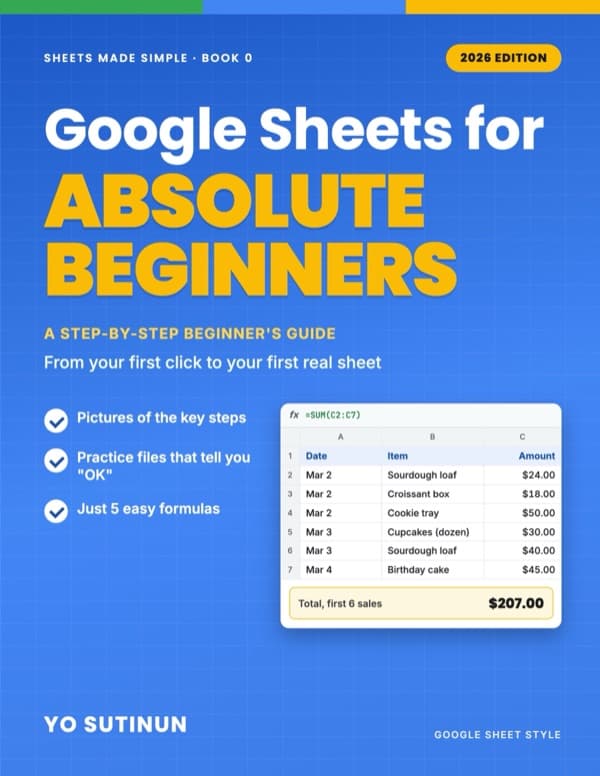
Google Sheets for Absolute Beginners
A Step-by-Step Beginner's Guide: From Your First Click to Your First Real Sheet, with Pictures of the Key Steps
Never used a spreadsheet? Start here — and feel at home in Google Sheets by the last page.
Most beginner books list features. This one takes one small shop's paper sales notebook and moves it into Google Sheets, one short chapter at a time. You do every step yourself in a free practice file, and most files tell you "OK" the moment you get it right — so you know you're on track.
Free practice files: one for every chapter, copied in one click, each with the answers.
About the author: Yo Sutinun was the IT person at a factory where reports travelled by e-mail. He introduced Google Sheets there, and his free Thai video course on the basics has been watched more than 200,000 times. This book rebuilds that course for today's Sheets.
No programming. No 100-formula lists. Book 0 of the Sheets Made Simple series — then continue with Book 1 at the same bakery.
What you'll learn
- Start without fear: undo anything, and bring back any earlier version of your file
- Find any cell by its address, and type rows fast with Tab and Enter
- Spot numbers that are really text — the reason most wrong totals happen
- Your first formulas: + − × ÷, SUM, AVERAGE, MIN, MAX and COUNTA, with the answers updating by themselves
- The $ sign, formatting, freeze, sort, filter, dropdowns and tick boxes
- Share a live file instead of e-mailing copies, print on one page, and use it on your phone
- Read and fix the four errors beginners meet: #DIV/0!, #NAME?, #VALUE! and #REF!
- A finished project: the bakery's paper sales notebook, rebuilt as a live sheet
Chapters
- 1. You Can't Break It
- 2. Finding Your Way Around
- 3. Typing Without Tears
- 4. Numbers, Text and Dates
- 5. Type It Once
- 6. Your First Formula
- 7. SUM, AVERAGE, MIN, MAX and COUNTA
- 8. The $ Sign
- 9. Make It Easy to Read
- 10. Freeze, Sort and Filter
- 11. Dropdowns, Tick Boxes and Colours That Change by Themselves
- 12. Your First Chart
- 13. Share, Print and Use It on Your Phone
- 14. When It Says #ERROR
- 15. Project: The Bakery Notebook, Finished
Google Sheets for beginners — learn it by building one real sheet →