SHEETS MADE SIMPLE · BOOK 1
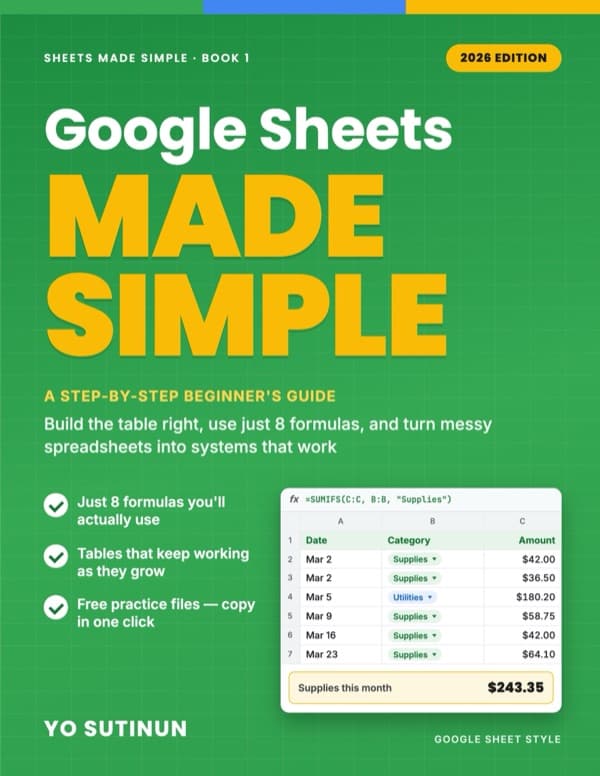
Google Sheets Made Simple
A Step-by-Step Beginner's Guide: Build the Table Right, Use Just 8 Formulas, and Turn Messy Spreadsheets into Systems That Work
Stop fighting your spreadsheet. Fix the table — and 8 formulas do the rest.
Most people who struggle with Google Sheets aren't bad at formulas. Their tables are built in a way that makes every simple question need a long, fragile formula. Merged cells, totals in the middle of the data, the same name typed three different ways — and suddenly nothing adds up.
This book fixes the cause, not the symptoms. You'll learn a handful of table rules first, and then the 8 formulas that real business spreadsheets actually use. The key steps are shown with screenshots, and the chapters come with 11 free practice files you can copy in one click.
Free practice files: 11 ready-made Google Sheets. Click, make a copy, and practise on real data — then Chapter 12 walks you through fixing your own sheet.
About the author: Yo Sutinun was the IT person at a factory where reports travelled by e-mail as "final_v7.xlsx". He introduced Google Sheets there and spent years turning messy spreadsheets into simple systems for factories, shops and home builders.
No programming. No 100-formula lists. Just the foundation that makes Google Sheets easy.
What you'll learn
- Spot the 5 warning signs of a spreadsheet that is working against you
- Build tables that keep working as you add new rows every day
- Split your work into Data, Settings and Report sheets so everyone knows where to type
- Use SUMIFS, COUNTIF, IF, VLOOKUP, IFERROR, TODAY, TEXT and UNIQUE with real business examples
- Build a complete income & expense system, step by step
- Fix the 10 most common errors, from #N/A to totals that are quietly wrong
Chapters
- 1. Why Your Spreadsheet Feels Hard
- 2. The 5 Table Rules
- 3. Three Kinds of Sheets: Data, Settings, Report
- 4. "How Much Did We Spend on…?" (SUM & SUMIFS)
- 5. "How Many Are Still Waiting?" (COUNTIF & COUNTA)
- 6. "Is It Late? Is It Over Budget?" (IF)
- 7. "What's the Price of…?" (VLOOKUP + IFERROR)
- 8. "How Many Days Left?" (TODAY & TEXT)
- 9. "A Summary That Grows by Itself" (UNIQUE)
- 10. Project: A Small-Business Income & Expense System
- 11. Fix It Fast: 10 Common Mistakes
Google Sheets formulas — the 8 you actually need →