SHEETS MADE SIMPLE · BOOK 4
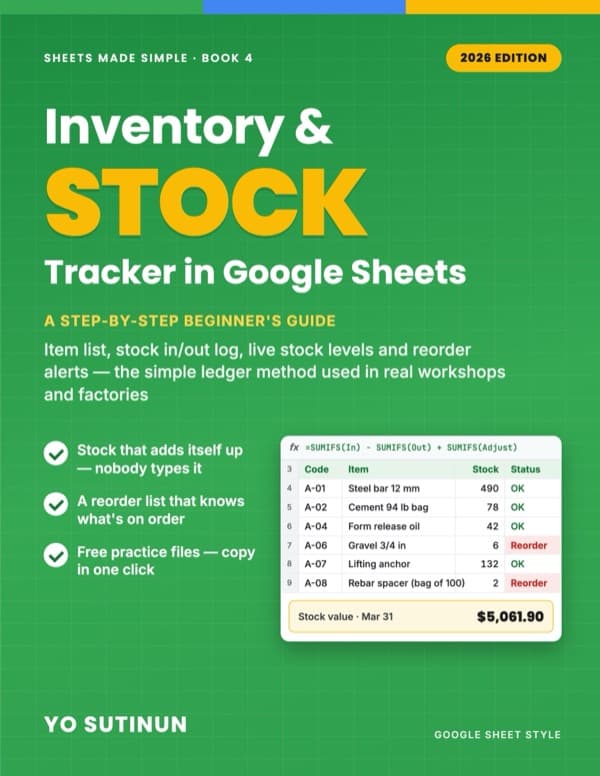
Inventory & Stock Tracker in Google Sheets
A Step-by-Step Beginner's Guide: Item List, Stock In/Out Log, Live Stock Levels and Reorder Alerts — the Simple Ledger Method
Never type a stock number again.
If your stock sheet says one thing and the shelf says another, the problem usually isn't your team — it's a sheet where someone types over the "current stock" number. One slip on the keyboard and the number is wrong forever, with no way to find out why.
This book builds the ledger method used in real workshops and factories: record what comes in and what goes out, one line at a time, and let Google Sheets calculate what's left. The key steps are shown with screenshots, and every chapter has a free practice file you can copy in one click.
Free practice files: 14 ready-made Google Sheets plus a clean starter file for your own stock. Every number in the book was checked against the real files.
No programming, and no complicated formulas: the whole system runs on SUMIFS, VLOOKUP, IF and one FILTER. Book 4 of the Sheets Made Simple series — every formula is explained, so you can start here.
What you'll learn
- An item list with min levels, order-up-to levels and suppliers
- A stock in/out log with dropdowns and a check column that catches mistakes
- Live stock levels for any date — "how much did we have last month?" answered in one cell
- Reorder alerts that know what's already on order, so nothing is ordered twice
- Stock value, monthly usage and "days left" for every item
- Physical counts and adjustments with a reason, never a typed-over number
- Bills of materials: record "we made 20 posts" and every part is deducted
- Two locations, a monthly report, a 15-minute weekly routine — and fixes for the 10 problems that break stock sheets
Chapters
- 1. Why Your Stock Count Never Matches the Shelf
- 2. The Ledger Method: Item List + Movement Log
- 3. The Item List and Suppliers
- 4. The Stock In/Out Log
- 5. Live Stock Levels with SUMIFS
- 6. Reorder Alerts
- 7. What's Already on Order
- 8. Stock Value and Monthly Usage
- 9. Physical Counts and Adjustments
- 10. Bill of Materials: When One Product Uses Many Parts
- 11. Two Locations: Yard and Site
- 12. A Monthly Stock Report
- 13. Your Weekly Stock Routine
- 14. Fix It Fast: 10 Stock Problems